Home›Shop
In-game shop

Valor Shop

Top up your balance on the website and spend Bonus right in the game. Mounts, wings, appearances, gear, and services — and you can try everything on your own character before you buy.

Bonus is bought on the website and is available in the game right awayMinimum 500 Bonus · credited automatically · 1,000+ Bonus — volume gift
1 688items in the catalog
1 207pieces of gear
167transmog appearances
4shop currencies

Prices and item counts as of September 24, 2026. Current prices and discounts are in the game.

Four steps

How it works

1

Top up your balance

In your Account, from 500 Bonus. Bonus is credited to your game account automatically, usually within a few minutes. From 1,000 Bonus you get gift Bonus for volume.

Top up
2

Open the shop in the game

Use the “Shop” button on the menu bar at the bottom of the screen, the ' key (Э on the Russian layout), or the item in the Esc menu. The balance is shared by all characters on the account. Not enough Bonus? The shop will offer to top up the missing amount.

3

Try it on

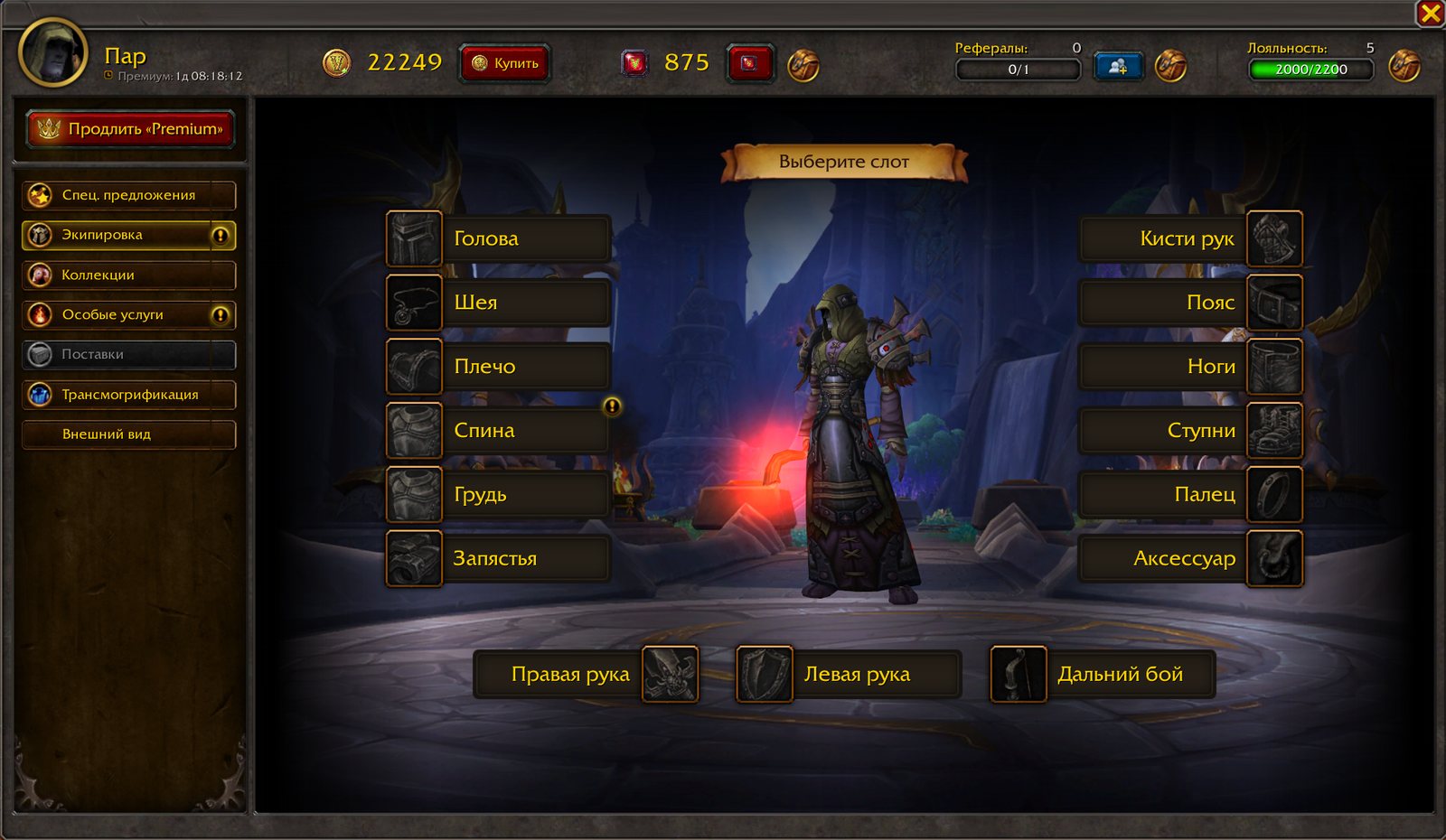
In the “Appearance” section, the item appears on your character right away — right in the game world. Wings on your back, a mount beneath you.

Preview
4

Buy

Purchases are delivered to your character immediately; services and Premium activate instantly. Appearances and mounts are gathered in the “Collection”.

Six sections

What's inside the shop

Click a screenshot to enlarge it
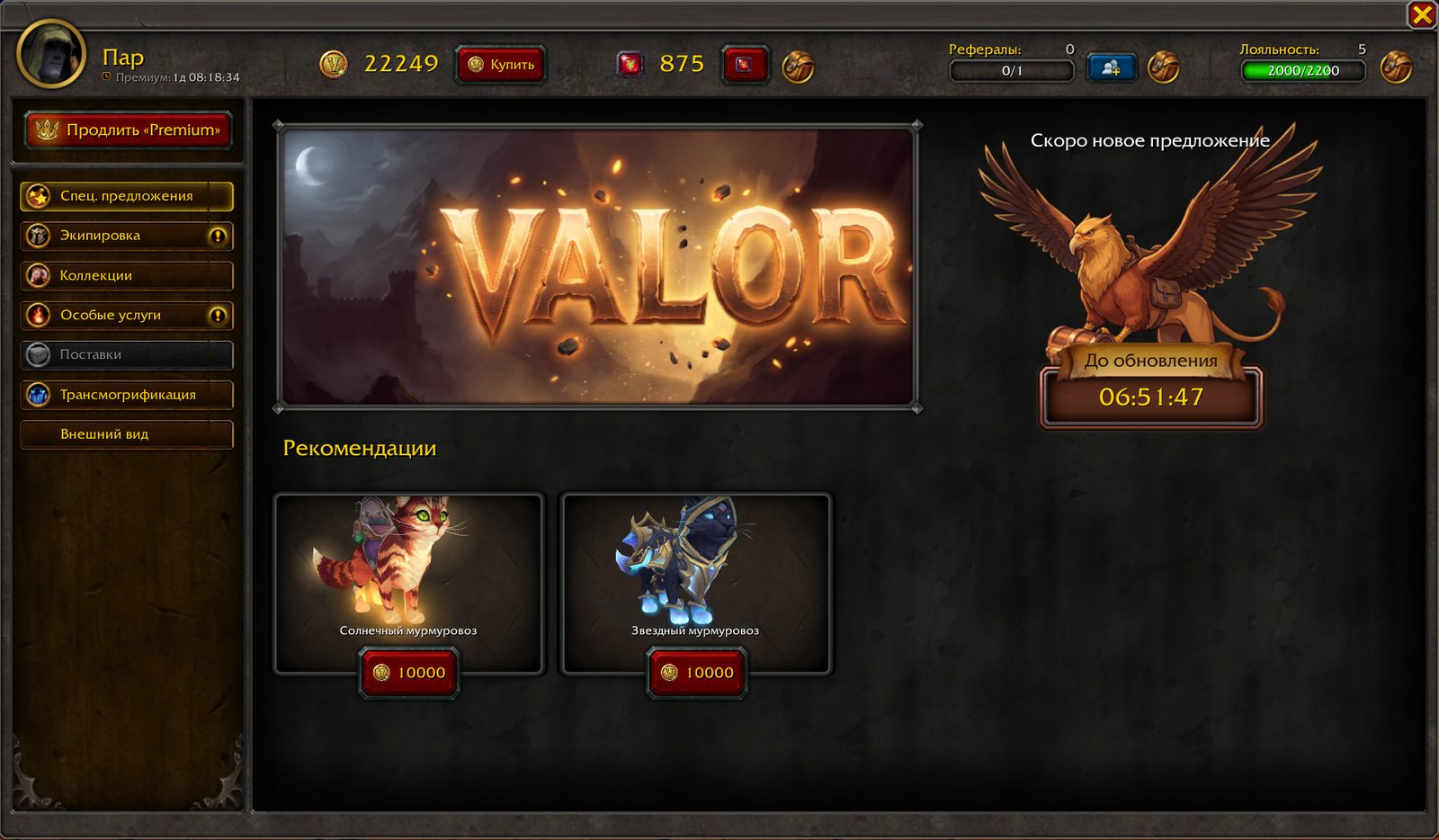
Valor Shop — “Special Offers” section
Special Offers

Main storefront

The shop opens on this page: recommendations and a discounted special offer that changes on a timer. The window header shows everything about your account.

  • Recommendations — the best items in one click
  • Discounted special offer: a timer shows when the storefront refreshes
  • The “Extend Premium” button is always at hand
  • At the top — your Bonus and vote balance, loyalty level, and invited friends

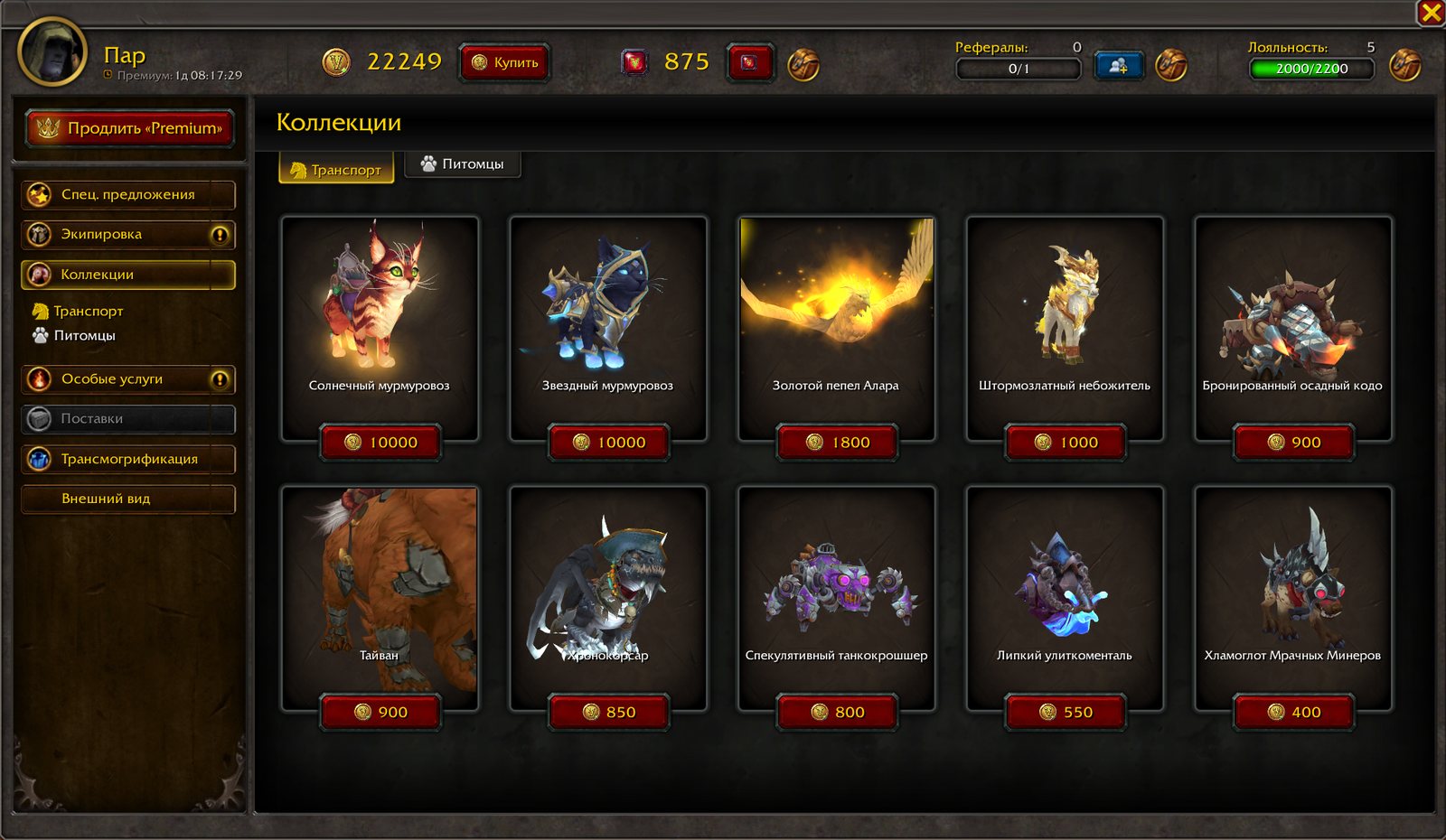
Currently recommended

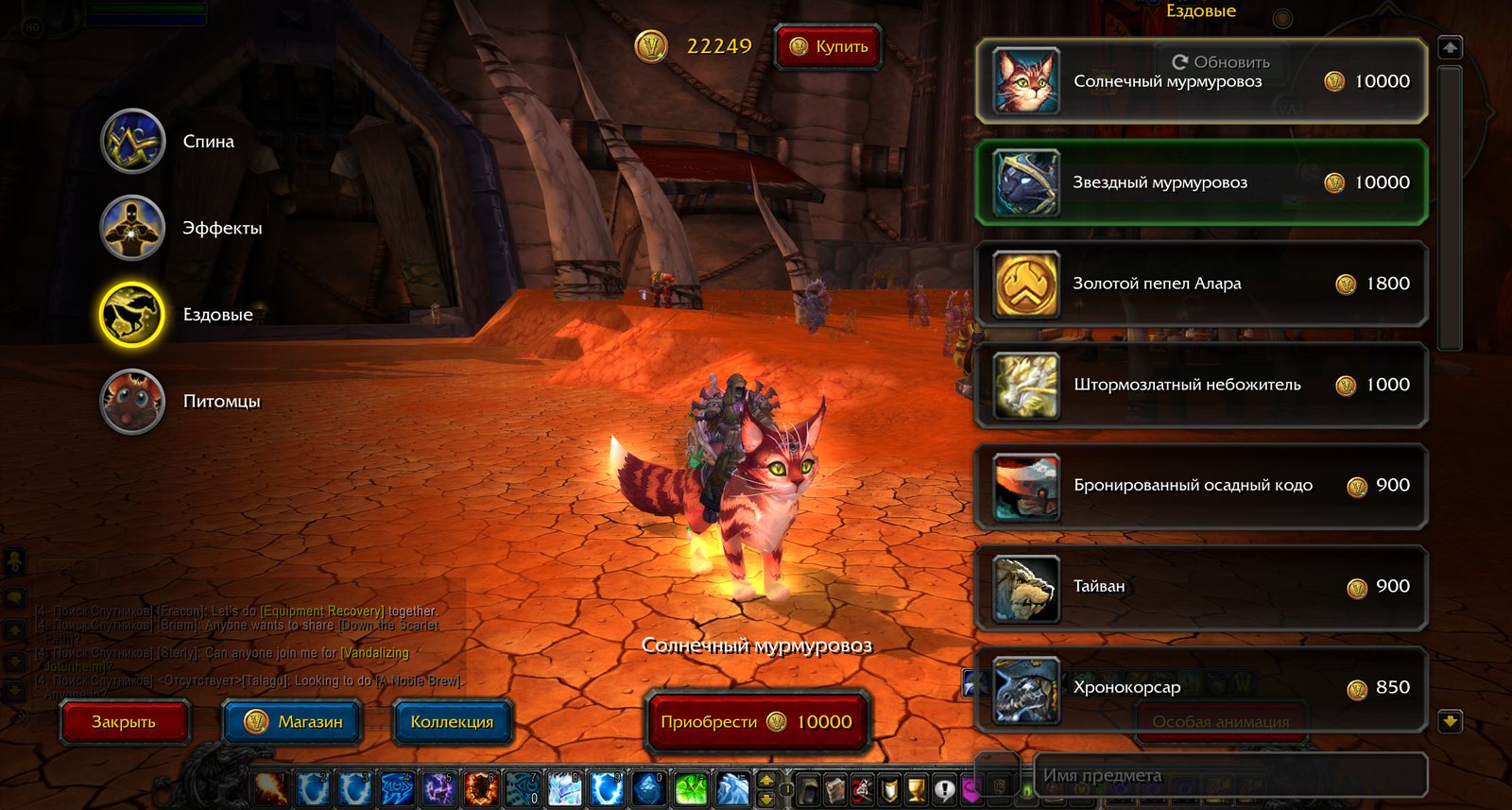
  • Sunwarmed Furline10 000
  • Startouched Furline10 000
The “Appearance” section

Try it on first — then buy

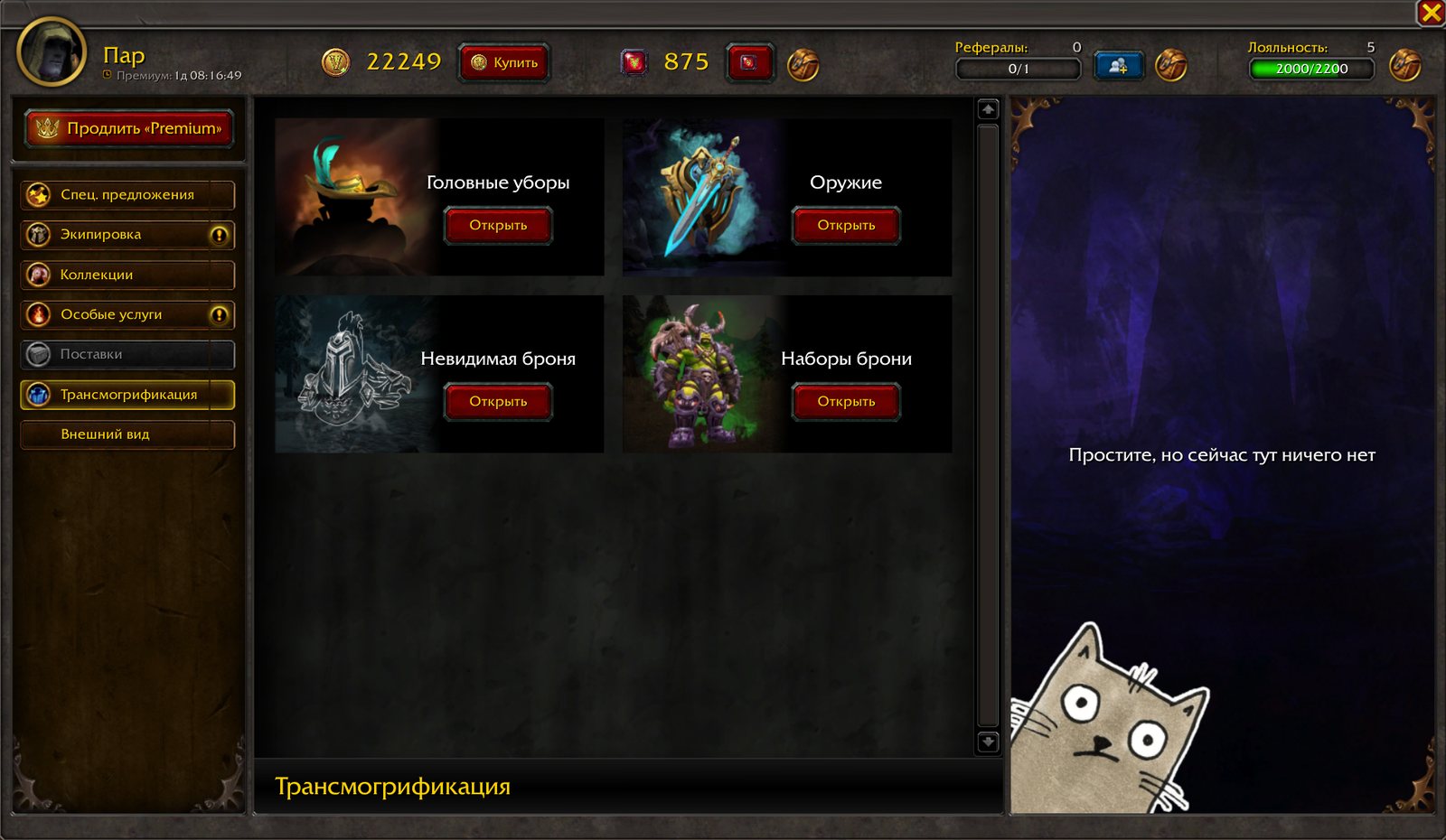
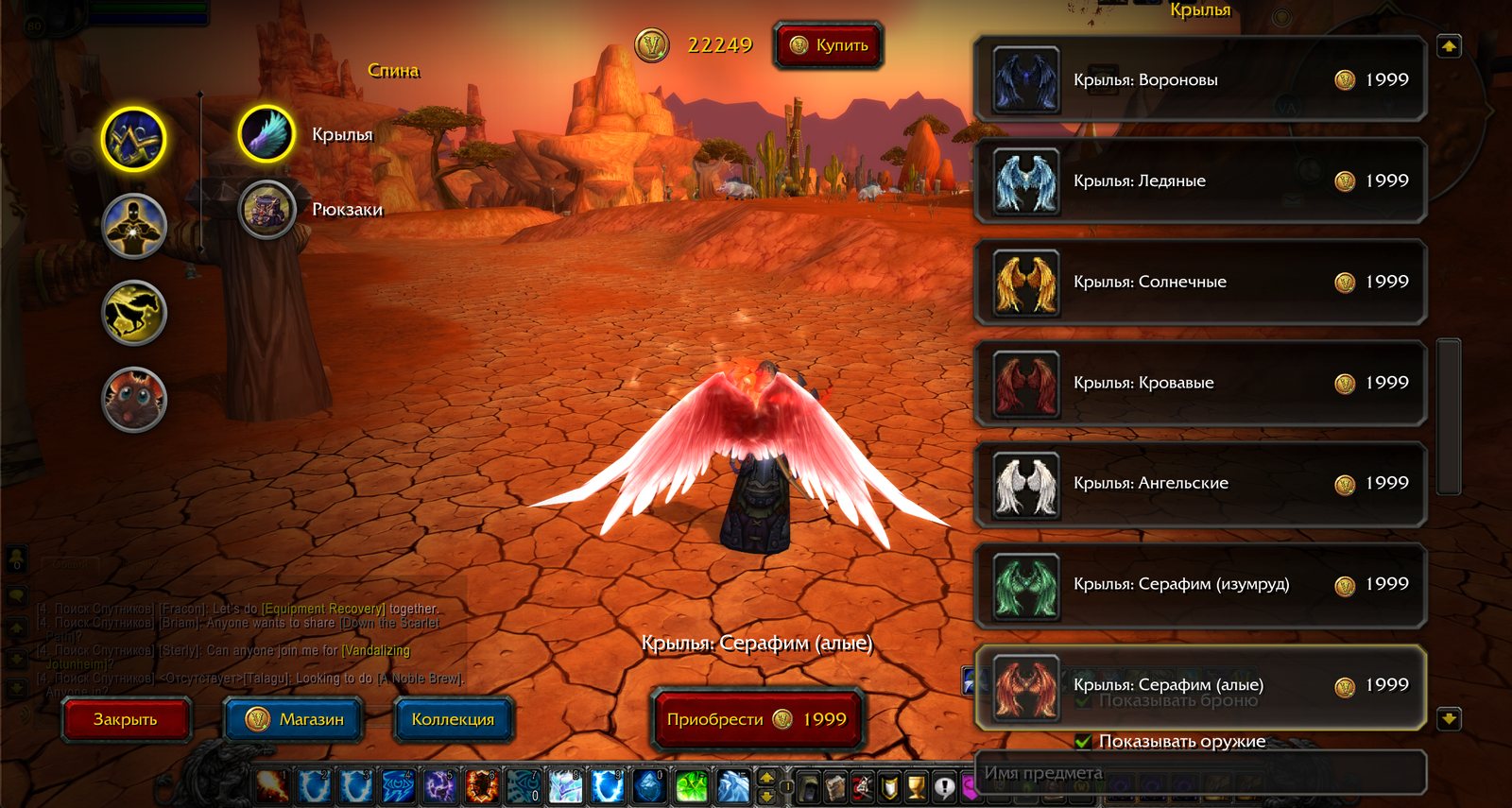
The item appears right on your character, in the game world: wings on your back, a mount beneath you, an effect on your weapon. No more “buy it first, look later”.

  • Browse by category: back, effects, mounts, pets
  • Armor and weapons can be hidden with checkboxes so you can take a good look at the appearance
  • View your character from any angle — you're standing in the game world
  • Search by name and a “Purchase” button right on the try-on screen
Trying on the “Seraph (Crimson)” wings on a character
Trying on wings: the character in the game world, with the list and prices on the right
Trying on the “Sunwarmed Furline” mount
The mount appears right under the character, with the “Purchase” button at the bottom
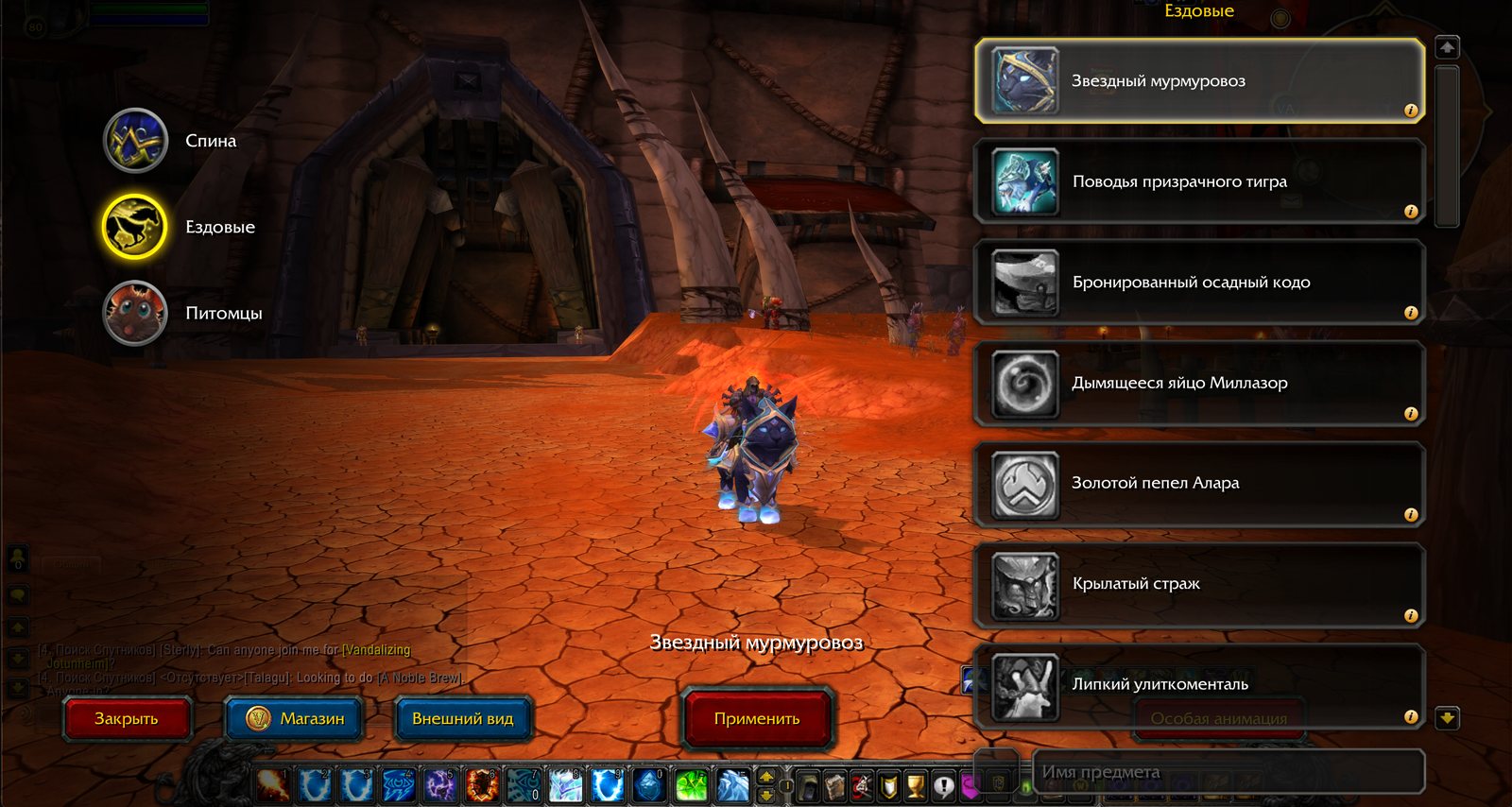
“Collection” — purchased mounts and appearances
“Collection”

Everything you've bought — in one place

Mounts, pets, and appearances you already own are gathered on a separate tab. Choose one and click “Apply” — you can change your look as often as you like, at no extra cost.

Not just for Bonus

Four shop currencies

Bonus

How to get
The main currency. Bought on the website in your Account.
What to spend on
The entire shop catalog and Premium.
Top up balance →

Votes

How to get
For voting for the server on top-site rankings — 20 votes for every vote you cast.
What to spend on
Premium and the gem storefront.
Vote →

Loyalty Coins

How to get
5% of every top-up, plus a reward for each new level — there are 30 levels in all. Each level also speeds up leveling by 2%, up to +60% at level 30.
What to spend on
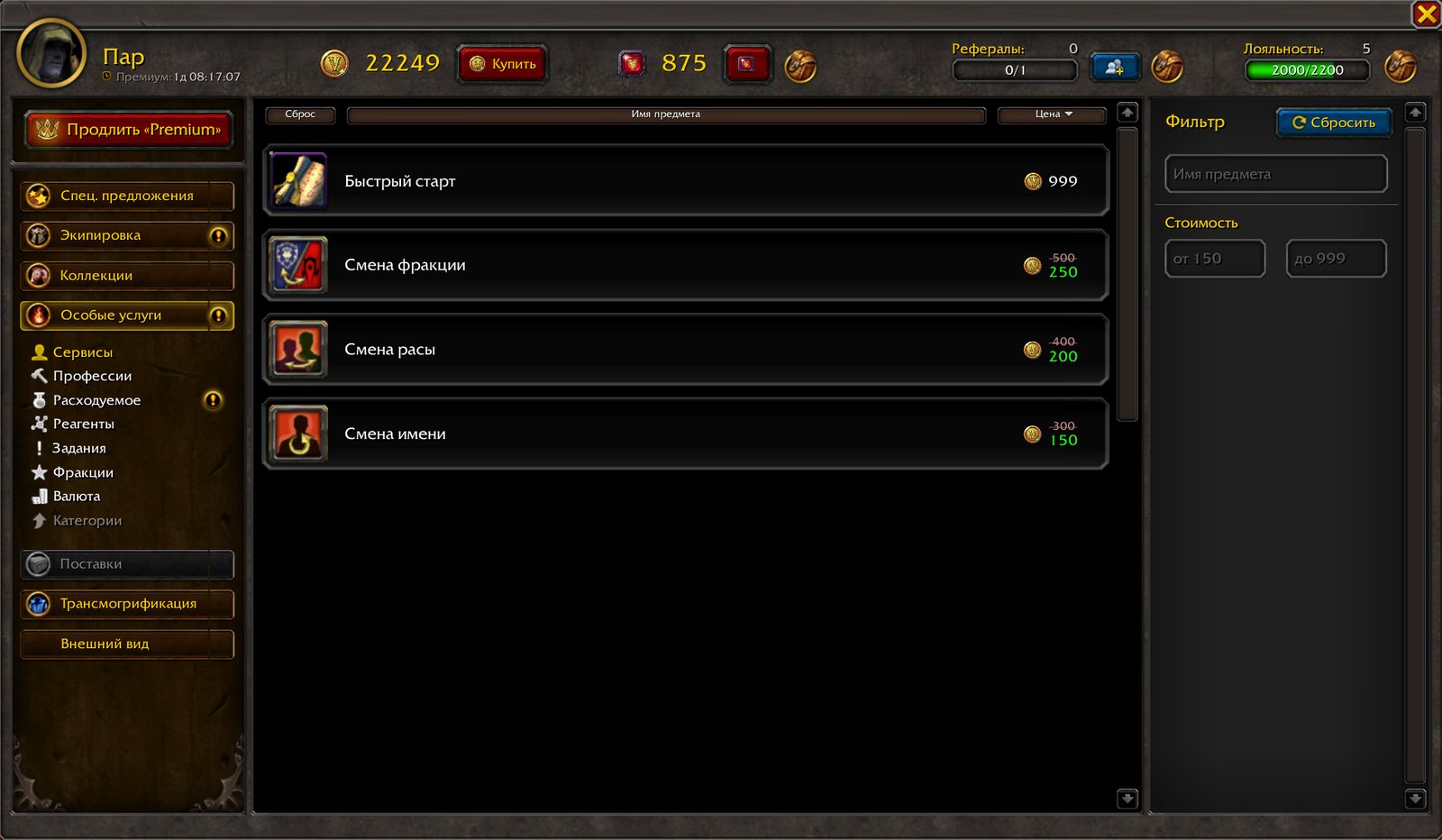
12 items you can't get for Bonus: mounts, pets, “Quick Start”, name, race, and faction changes.
My loyalty →

Referral Coins

How to get
20 coins and 14 days of Premium for every friend who has played for 48 hours. Your friend gets 5 days of Premium right away, and you get 20% of their top-ups as Bonus.
What to spend on
10 items: mounts, pets, and druid appearances.
Invite a friend →
The “Extend Premium” button in the shop

Premium

Personal XP rate up to x6 instead of x3 (the .xp set command), x3 honor points and x3 profession skill gains instead of x1. Gear doesn't lose durability, no Resurrection Sickness, instant logout. Plus the Valor VIP panel: bank, mail, repair, talent reset, teleports, Auction House, colored chat, and more.

The term runs continuously, including when you're not in the game. Purchased Premium is non-refundable.

All Premium perks →
DurationFor BonusFor votes
1 day2575
7 days150440
14 days250820
30 days5001 500
In short

Shop questions

Can all my characters see my Bonus?

Yes. The balance is tied to your game account: Bonus, votes, and coins are shared by all characters on it.

How soon does Bonus arrive after payment?

Automatically, usually within a few minutes. If your Bonus hasn't arrived within 24 hours, contact support and attach the payment details.

Where does my purchase go?

Straight to the character who opened the shop. Services and Premium activate instantly; appearances and mounts show up in the “Collection”.

How much does Bonus cost, and how much extra do I get?

Currently 1 Bonus costs 0.9 ₽; you can top up from 500 to 10,000 Bonus at a time. Gift Bonus is added for volume: from 1,000 — +15%, from 2,000 — +12.5%, from 3,000 — +20%, from 5,000 — +30%, from 7,000 — +35.7%, for 10,000 — +50%. For example, for 1,000 Bonus (900 ₽) you get 1,150, and for 5,000 (4,500 ₽) — 6,500.

What if I don't have enough Bonus?

The shop will warn you and offer to top up your balance by the missing amount.

Can a Hardcore character make purchases?

No. While a character is taking the Hardcore challenge, purchases for Bonus are unavailable — those are the mode's rules.

Can I get a refund?

No. Money paid for Bonus is non-refundable — for both spent and unspent Bonus: the service is considered rendered the moment the Bonus is credited to your account. Bonus spent on items and Premium is not refunded either. That's why you should use the try-on feature before buying. If your payment went through but the Bonus didn't arrive, or an item wasn't delivered due to a glitch, contact support: we'll credit the Bonus or deliver the item. Details are in the Terms of Service (Public Offer), section 10.

How can I get Bonus without paying?

Bonus is awarded for daily quests (complete both in a day — +10 Bonus) and in the Battle Pass. You also get 20% of your invited friends' top-ups as Bonus, plus promo codes and promotions. Voting earns votes — they have their own storefront and Premium.

Build your look

Top up your balance and check out the shop in the game. Trying things on is free.