
Valor Launcher
Downloads and updates the game client, shows what's happening in the world and launches the game with a single button.
Get the Launcher
Version 1.6.0. Installs updates by itself — both its own and the game's.
DownloadWindows 7 SP1 – 11 · about 8 MB · no admin rights required
Did Windows warn you about a new program? What to click
What It Can Do
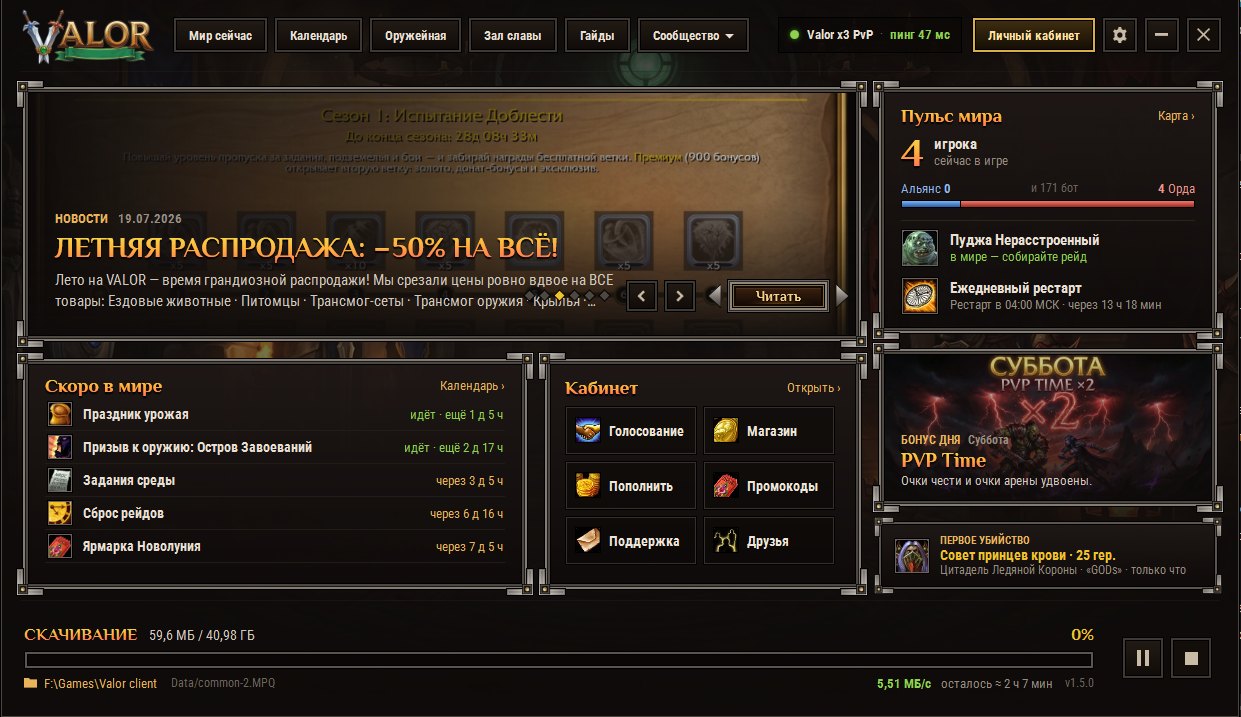
everything you see on the website — right in the launcher
How many people are in the game (bots counted separately), Alliance and Horde, realm status and your ping to the server.

Whether Pudja the Unbothered is alive, or how long until he spawns — with a countdown to the second. Plus the time of the daily restart.

The next five events, just like on the website's home page: holidays, weekend battlegrounds, Wednesday Quests, raid resets.

Follows server time — the launcher no longer mixes up the days if you're in a different time zone.

The launcher remembers which files it has already checked: a repeat check takes seconds, not minutes.

If the game crashes, one button in the settings compares every file with the server and re-downloads only the corrupted ones.

Pause and resume, speed and time remaining. Lost connection? No problem: the download picks up right where it left off.

Once the game starts, the launcher minimizes to the tray and reminds you 10 minutes ahead about the world boss, the restart and event starts.

Voting, the shop, top-ups, promo codes, support and friend invites — as buttons on the main screen.

The language is picked automatically — by your country and Windows language. Switch it with the RU/EN button in the header or in Settings.
Preview
click to open full size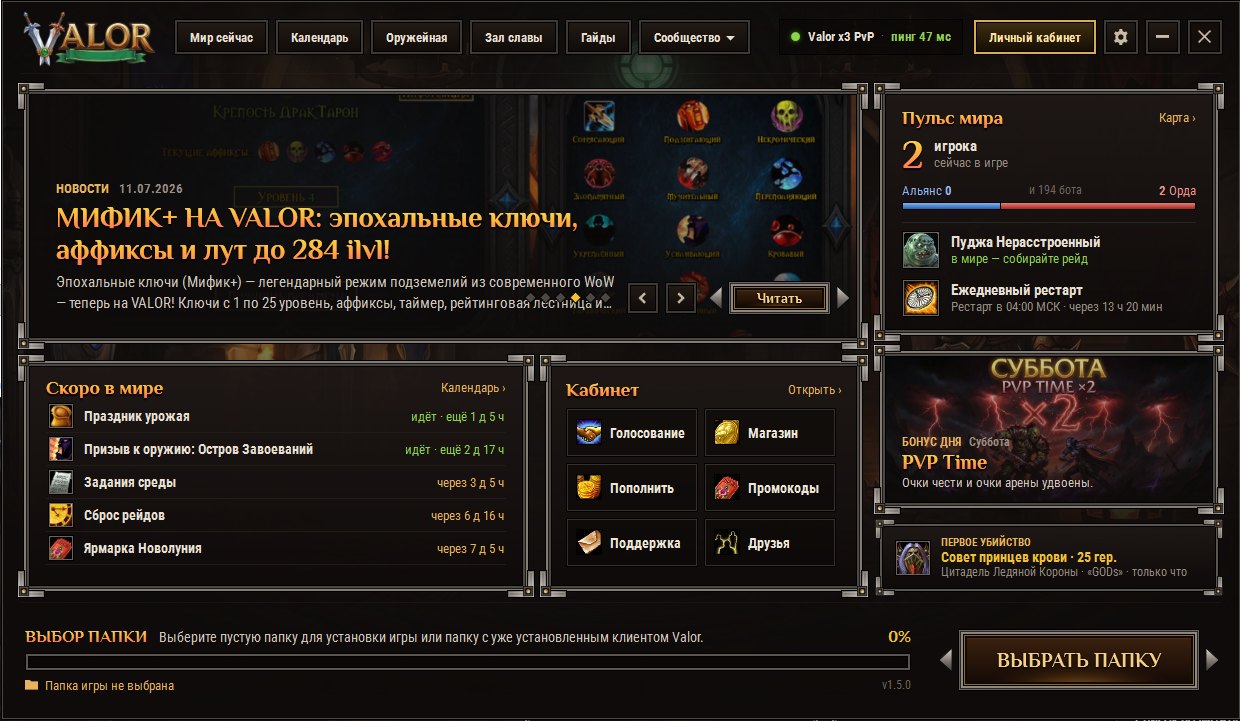
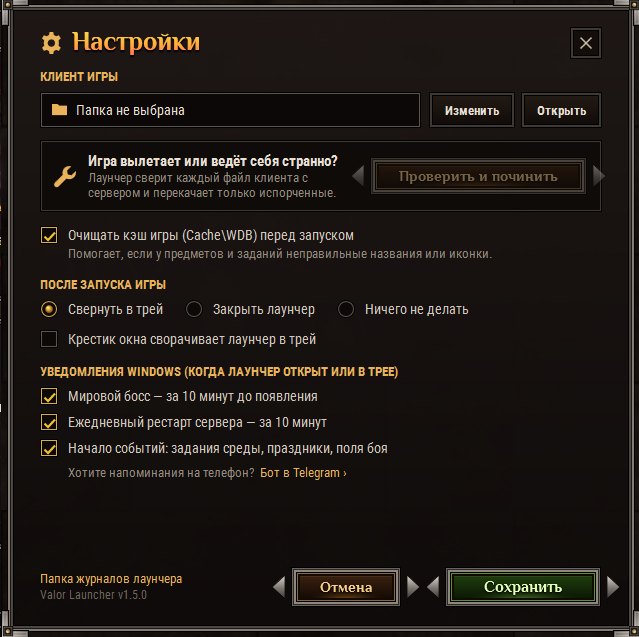
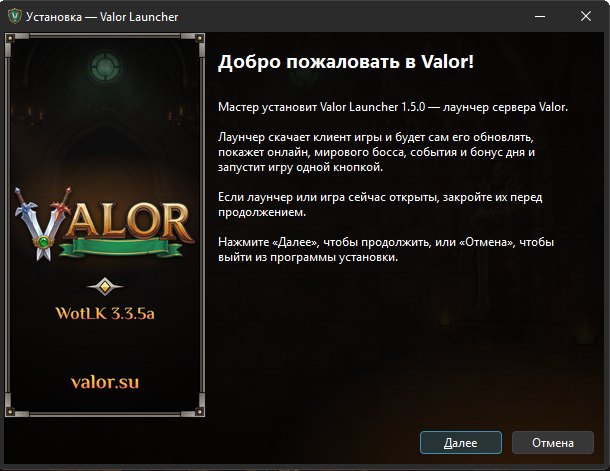
Installation in Five Steps
- Download the installerValorLauncher_Setup.exe — about 8 MB.
- Install itNo admin rights needed. If Windows shows a blue window, click “More info” → “Run anyway” (why this happens).
- Choose a folderAn empty one for a fresh install, or a folder with a Valor game client already installed: the launcher will download only what's missing.
- Wait for the downloadThe game client is about 41 GB. You can pause and resume the download.
- PlayThe “Play” button appears once all the files are in place. Use the username and password of your website account.